
In 2026, remote work is the norm, international collaboration is expected, and accurate time zone conversion is no longer optional — it is essential. Whether you are scheduling a 10 AM PDT to EDT standup or checking the Paris vs New York time difference, having the right tool makes the difference between a smooth meeting and a missed connection. Here is a comprehensive comparison of the best free time zone converter tools available today.
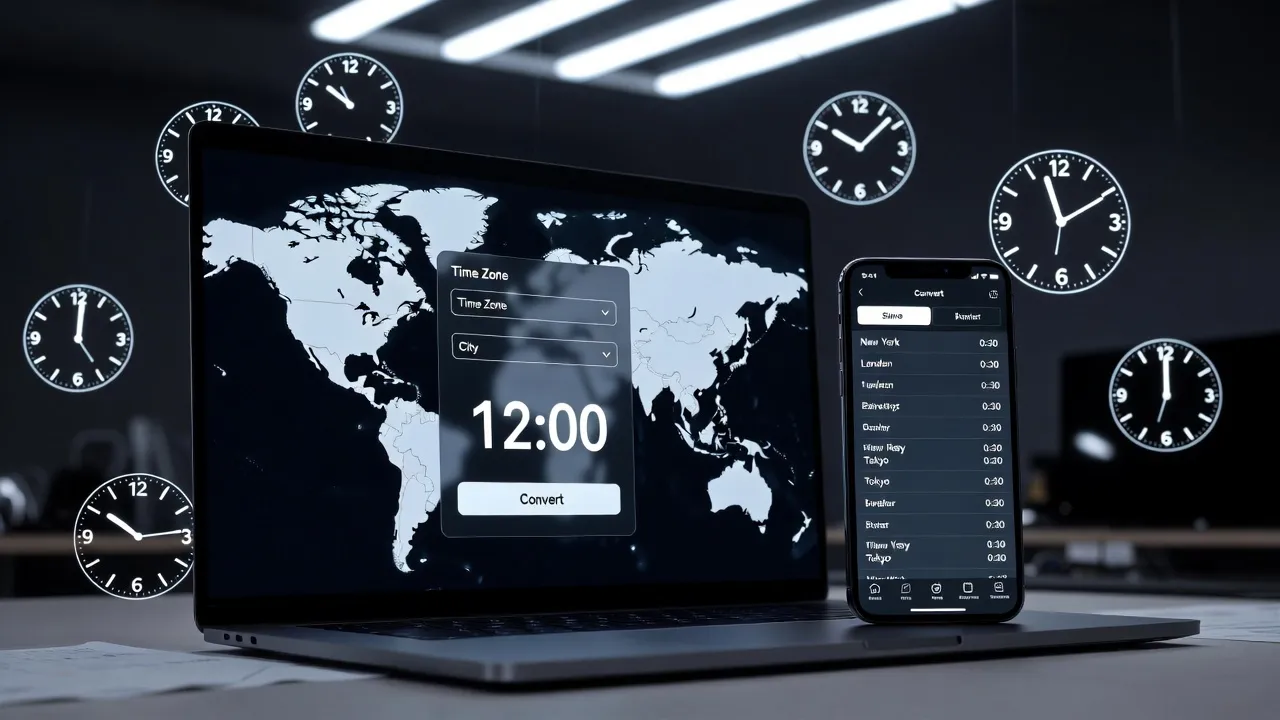
1. TimeZoneBase.com (This Site)
Best for: Fast, SEO-friendly conversions with dedicated pages for every popular pair. Each conversion — like our EDT to CST converter, PDT to EDT converter, or PST to AEST converter — has its own page with a live converter widget, full 24-hour conversion table, live clocks, FAQ, and external reference links.
Strengths: Lightning-fast load times, dark/light theme, mobile-first design, no sign-up required, zero tracking. Our specific time converter answers specific questions like "10 AM PDT to EDT" or "9 AM PDT to CST" with pre-calculated results. The time difference calculator compares cities like California vs New York time difference with scheduling tips.
Limitations: Currently focused on the most popular time zone pairs; full IANA database coverage is planned.
2. TimeAndDate.com
Best for: Comprehensive time data including sunrise/sunset, moon phases, holiday calendars, and detailed DST transition information. The "Meeting Planner" tool is excellent for finding overlap between 3+ cities simultaneously.
Strengths: The most complete time reference site on the internet. Covers every country, city, and time zone. Historical time zone data available.
Limitations: Heavy ad load, slower page loading on mobile, complex interface that can overwhelm users who just need a quick conversion.
3. WorldTimeBuddy
Best for: Visual time comparison with an intuitive horizontal slider. Drag the slider to see times across multiple cities update in real time. Excellent for visual learners and team leads managing distributed teams.
Strengths: Beautiful slider interface, shareable links, Google Calendar integration.
Limitations: Free version limited to 4 cities. Premium required for more. Does not provide conversion tables or FAQs — just the visual slider.
4. Google Search (Built-in Converter)
Best for: Ultra-fast one-off conversions. Type "10am PDT to CST" into Google and the answer appears instantly in a card at the top of search results. No separate website needed.
Strengths: Fastest possible conversion — zero navigation required. Always accurate. Works on any device.
Limitations: No conversion tables, no scheduling tips, no DST context, no related conversions. Just the bare answer.
5. Every Time Zone (everytimezone.com)
Best for: A beautiful, minimalist visualization of all major time zones on a single horizontal bar chart. Excellent for seeing at-a-glance where working hours overlap across zones.
Strengths: Gorgeous design, instant visual understanding, no clutter.
Limitations: No specific time conversion, no search, limited to broad zones.
What to Look for in a Time Zone Tool
- DST awareness — Does it automatically adjust for daylight saving time transitions?
- Mobile-friendly — Can you use it comfortably on your phone with one hand?
- Speed — Does it load in under 2 seconds on a 3G connection?
- Accuracy — Does it use the IANA time zone database?
- Privacy — Does it track your data or require an account?
- Depth — Does it provide context (tables, FAQs, DST info) beyond just the answer?
Our recommendation: bookmark TimeZoneBase Converter for daily conversions, and keep TimeAndDate.com as a reference for edge cases and historical data.